
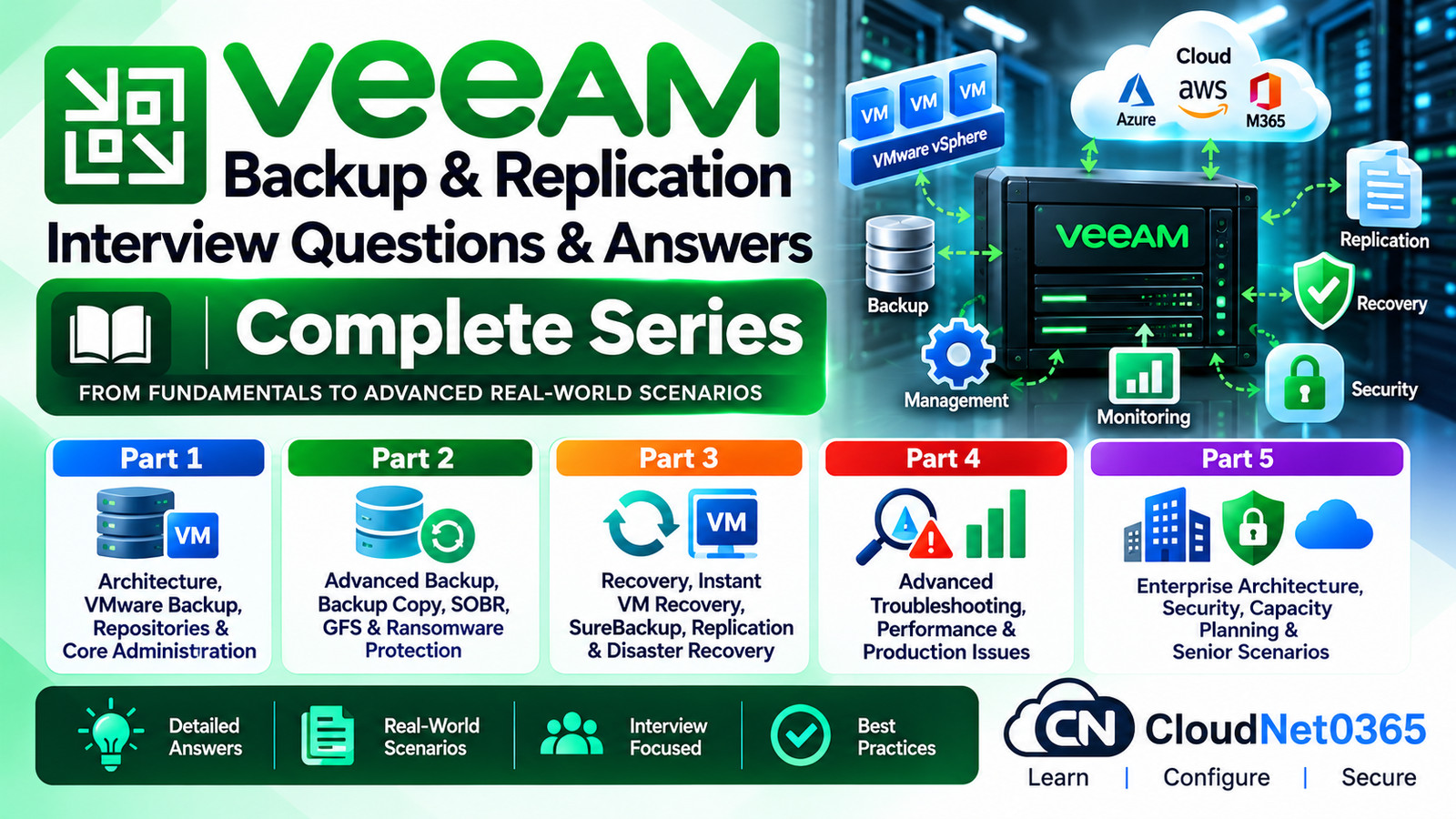
Veeam Backup & Replication Interview Questions & Answers – Complete Series
If you are preparing for a Veeam Backup & Replication interview, this complete series is designed to take you from core backup administration to advanced recovery, troubleshooting, security and enterprise-level architecture.
The series focuses on practical concepts that are commonly relevant to System Administrators, Backup Administrators, Infrastructure Engineers, VMware Administrators, IT Managers and senior-level infrastructure professionals.
The questions are organized into five parts so that you can study Veeam systematically without having to search through multiple unrelated resources.
What You Will Learn in This Veeam Series
This series covers:
- Veeam Backup & Replication architecture
- VMware vSphere backup
- Backup jobs and backup chains
- Backup repositories
- Backup proxies
- Backup infrastructure components
- Backup Copy jobs
- Scale-Out Backup Repository (SOBR)
- GFS retention
- Hardened Repositories
- Immutability
- Ransomware protection
- Backup security
- Instant VM Recovery
- File-level and application recovery
- SureBackup
- Veeam Replication
- Disaster Recovery
- Failover and failback
- Backup performance troubleshooting
- Production backup failures
- Capacity planning
- Enterprise backup architecture
- Senior-level Veeam scenarios
Veeam’s current documentation also covers modern repository options including Windows/Linux repositories, hardened repositories, SMB/NFS, deduplicating appliances and object storage. (Veeam Software)
Veeam Backup & Replication Interview Questions – Part 1 Architecture, VMware Backup, Repositories & Core Administration
Topics covered:
- Veeam Backup & Replication architecture
- Backup Server
- Backup Proxy
- Backup Repository
- VMware vSphere integration
- Backup jobs
- Backup modes
- Incremental and full backups
- Backup chains
- Backup storage
- Repository design
- Backup infrastructure components
- VMware transport modes
- Backup performance fundamentals
- Core administration
Start Part 1
Veeam Backup & Replication Interview Questions – Part 2 Advanced Backup, Backup Copy, SOBR, GFS & Ransomware Protection
Topics covered:
- Advanced backup strategies
- Backup Copy jobs
- Scale-Out Backup Repository (SOBR)
- Performance Tier
- Capacity Tier
- Archive Tier
- GFS retention
- Long-term retention
- Hardened Repositories
- Immutability
- Backup encryption
- Ransomware protection
- Backup security
- Air-gapped and isolated backup concepts
- Advanced repository design
Veeam’s current documentation describes Hardened Repositories as Linux-based repositories designed to protect backup files from malware activity and unplanned actions through features such as immutability and secure authentication. (Veeam Software)
Start Part 2
Veeam Backup & Replication Interview Questions – Part 3 Recovery, Instant VM Recovery, SureBackup, Replication & Disaster Recovery
Topics covered:
- Recovery fundamentals
- Instant VM Recovery
- Full VM recovery
- File-level recovery
- Application recovery
- SureBackup
- Recovery verification
- Veeam Replication
- Replica architecture
- Failover
- Planned failover
- Failback
- Disaster Recovery
- Recovery Point Objective (RPO)
- Recovery Time Objective (RTO)
- DR design
- Recovery troubleshooting
Start Part 3
Veeam Backup & Replication Interview Questions – Part 4 Advanced Troubleshooting, Performance & Production Issues
Topics covered:
- Backup job failures
- Repository performance issues
- Proxy bottlenecks
- Storage bottlenecks
- Network bottlenecks
- VMware snapshot issues
- Slow backup jobs
- High latency
- Repository capacity problems
- Backup chain issues
- Synthetic full failures
- Health Check
- Backup corruption troubleshooting
- Veeam Data Mover-related issues
- Production troubleshooting
- Troubleshooting methodology
- Real-world backup incidents
Start Part 4
Veeam Backup & Replication Interview Questions – Part 5
Enterprise Architecture, Security, Capacity Planning & Senior Scenarios
Topics covered:
- Enterprise Veeam architecture
- Large-scale backup design
- Multi-site backup architecture
- Backup security
- Infrastructure isolation
- Repository security
- Capacity planning
- Retention planning
- RPO/RTO design
- Disaster Recovery architecture
- Backup infrastructure scalability
- Monitoring and operational practices
- Enterprise ransomware protection
- Backup compliance considerations
- Senior-level design questions
- Real-world infrastructure scenarios
Start Part 5
Veeam Interview Preparation Roadmap
For the best preparation, study the series in this order:
Part 1 → Part 2 → Part 3 → Part 4 → Part 5
Recommended progression
Step 1 – Understand the architecture
Start with the Backup Server, Proxy, Repository, jobs and VMware integration.
↓
Step 2 – Learn advanced backup design
Move into Backup Copy, SOBR, GFS, immutability and ransomware protection.
↓
Step 3 – Master recovery
Learn Instant VM Recovery, SureBackup, replication and disaster recovery.
↓
Step 4 – Develop troubleshooting skills
Understand how to identify whether the bottleneck or failure is related to VMware, proxy, network, storage or Veeam components.
↓
Step 5 – Prepare for senior-level interviews
Finally, focus on enterprise architecture, security, capacity planning, DR and real-world scenarios.
Who Should Read This Series?
This Veeam interview series is useful for:
- System Administrators
- Senior System Administrators
- Backup Administrators
- Backup Engineers
- Infrastructure Engineers
- VMware Administrators
- Virtualization Engineers
- IT Infrastructure Engineers
- Disaster Recovery Engineers
- IT Managers
- Technical Support Engineers
- Candidates preparing for Veeam interviews
It is particularly useful for professionals who already have experience with VMware, Windows Server, storage and enterprise infrastructure and want to strengthen their Veeam knowledge for senior-level interviews.
Why Veeam Backup & Replication Is Important for Infrastructure Engineers
Backup is not simply about creating copies of virtual machines.
A production backup environment must address several areas:
- Availability
- Recoverability
- Performance
- Retention
- Security
- Ransomware resilience
- Disaster recovery
- Capacity
- Operational monitoring
For example, a repository is not merely a location where backup files are stored. Its storage type, connectivity, performance, security and retention requirements can directly affect backup and recovery operations.
Veeam’s documentation specifically describes a backup repository as the storage location for backup files, VM copies and metadata for replicated VMs. (Veeam Software)
Modern Veeam environments can also use immutable repositories to reduce the risk of backup deletion or modification during a ransomware incident. (Veeam Software)
Important Veeam Concepts to Master Before an Interview
Before attending a Veeam interview, make sure you can confidently explain:
Backup Architecture
You should understand the relationship between:
VMware Infrastructure → Backup Proxy → Backup Repository → Backup Server
and how Veeam components communicate during backup and recovery operations.
Backup Repository
Know the difference between:
- Windows Repository
- Linux Repository
- Hardened Repository
- SMB Repository
- NFS Repository
- Object Storage Repository
- Deduplicating Storage
- Scale-Out Backup Repository
Backup Security
Understand:
- Immutability
- Encryption
- Hardened Repository
- Credential security
- Infrastructure isolation
- Least privilege
- Ransomware protection
Recovery
Be comfortable explaining:
- Instant VM Recovery
- Full VM Recovery
- File-Level Recovery
- Application Recovery
- SureBackup
- Replication
- Failover
- Failback
- DR
Troubleshooting
A senior Veeam administrator should be able to determine whether an issue is caused by:
Source → Proxy → Network → Repository → Storage → VMware → Veeam configuration
rather than simply restarting the failed job.
Veeam Backup Security
Modern backup infrastructure should be designed with the assumption that attackers may attempt to compromise both production systems and backup infrastructure.
A hardened repository provides immutability so that backup files cannot be modified or deleted during the configured immutability period. Veeam also provides secure authentication mechanisms for hardened repositories. (Veeam Software)
Veeam’s current documentation also recommends considering a dedicated hardened repository for medium and large environments because using a general Linux backup server as an immutable repository can expose a larger attack surface. (Veeam Software)
Therefore, during an interview, don’t answer ransomware protection with only:
“Take regular backups.”
A stronger senior-level answer should include multiple backup copies, immutability, isolation, access control, encryption, monitoring and tested recovery.
Veeam Interview Preparation Tips
1. Don’t memorize definitions only
Interviewers often move from:
“What is a backup proxy?”
to:
“Your backup job is extremely slow. How would you determine whether the proxy is the bottleneck?”
You should be able to answer both.
2. Understand the data flow
Always understand where data originates, which component processes it, how it travels and where it is ultimately stored.
3. Learn recovery, not just backup
A backup is valuable only if you can successfully recover from it.
4. Practice troubleshooting scenarios
Be prepared for situations such as:
- Backup jobs suddenly become slow.
- Repository free space is running low.
- VMware snapshots remain open.
- A backup job fails repeatedly.
- Backup files appear corrupted.
- A repository becomes unavailable.
- A VM cannot be recovered.
- A ransomware incident affects production.
- A DR site needs to take over workloads.
5. Think like a senior administrator
For senior-level questions, consider:
Availability + Performance + Security + Recoverability + Cost + Scalability
rather than solving only the immediate technical problem.
Quick Revision Checklist
Before your Veeam interview, make sure you can explain:
- Veeam Backup & Replication architecture
- Backup Server
- Backup Proxy
- Backup Repository
- VMware backup
- Backup jobs
- Incremental backups
- Full backups
- Backup chains
- Backup Copy
- SOBR
- GFS
- Hardened Repository
- Immutability
- Encryption
- Ransomware protection
- Instant VM Recovery
- SureBackup
- Veeam Replication
- Failover
- Failback
- Disaster Recovery
- RPO
- RTO
- Backup troubleshooting
- Performance troubleshooting
- Repository capacity planning
- Enterprise architecture
- Backup security
- Real-world scenarios
Official Veeam Documentation
For detailed product documentation and the latest Veeam Backup & Replication features, refer to the official Veeam documentation:
Veeam Backup & Replication Documentation – Veeam Help Center
The current Veeam documentation includes V13.1 material, including updated repository, hardened repository and infrastructure capabilities. (Veeam Software)
Continue Your Veeam Interview Preparation
Start from Part 1 and progress through all five parts in sequence.
Veeam Backup & Replication Interview Questions
Part 1: Architecture, VMware Backup, Repositories & Core Administration
Part 2: Advanced Backup, Backup Copy, SOBR, GFS & Ransomware Protection
Part 3: Recovery, Instant VM Recovery, SureBackup, Replication & Disaster Recovery
Part 4: Advanced Troubleshooting, Performance & Production Issues
Part 5: Enterprise Architecture, Security, Capacity Planning & Senior Scenarios
Final Takeaway
This Veeam Backup & Replication Interview Questions & Answers – Complete Series is structured to progress from core administration → advanced backup → recovery and DR → troubleshooting → enterprise architecture.
If you can confidently explain the concepts and scenarios covered across all five parts, you will have a strong foundation for Veeam Administrator, Backup Engineer, Infrastructure Engineer and senior System Administrator interviews.
Start with Part 1:
Veeam Backup & Replication Interview Questions & Answers – Part 1: Architecture, VMware Backup, Repositories & Core Administration