
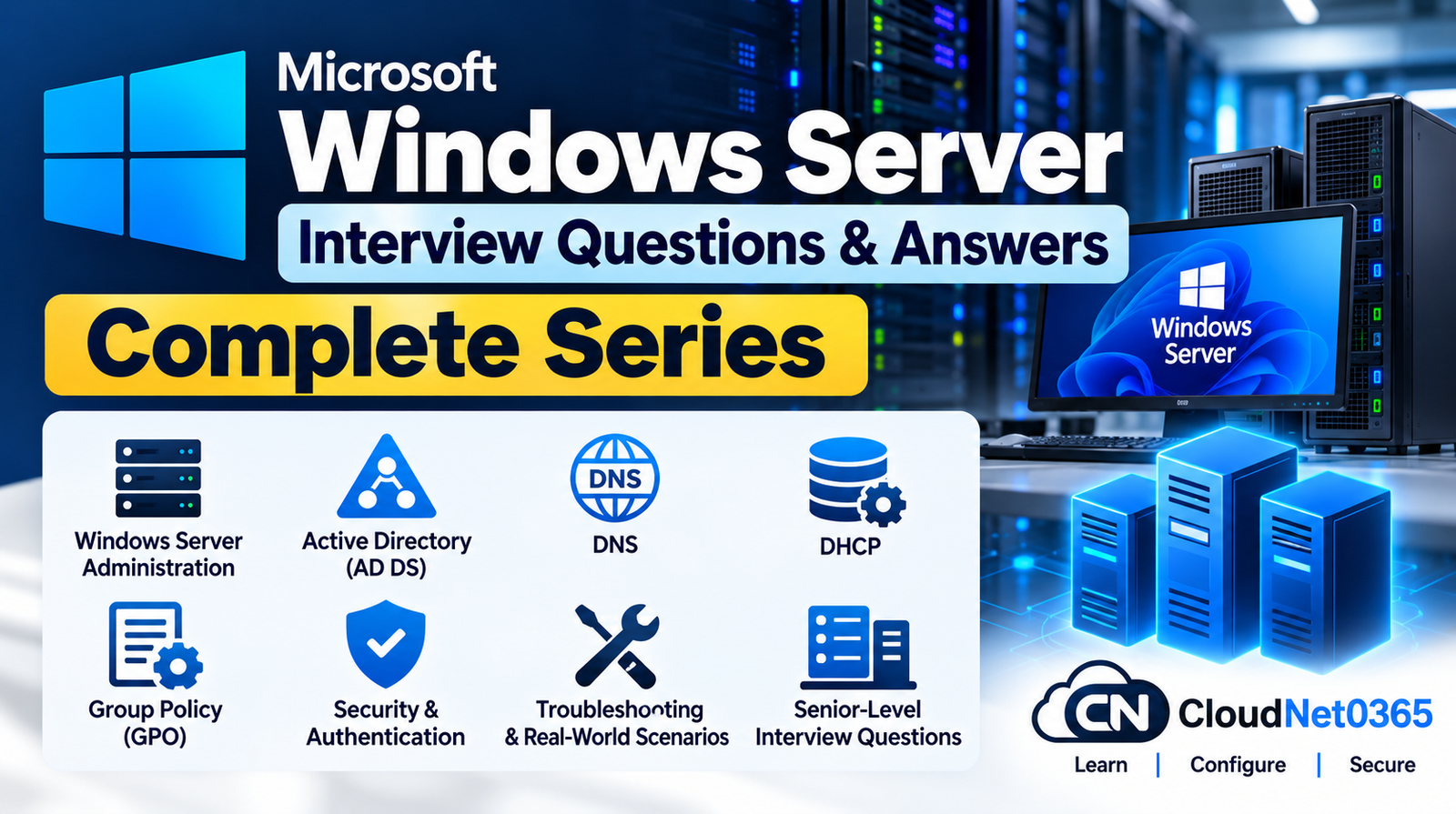
Preparing for a Windows Server interview requires more than memorizing individual commands. Senior System Administrator and Windows Server roles often involve Active Directory, DNS, DHCP, Group Policy, networking, authentication, troubleshooting and real-world production scenarios.
This complete Windows Server Interview Questions & Answers series is designed for System Administrators, Windows Administrators, IT Engineers and infrastructure professionals who want to prepare for both technical and scenario-based interviews.
The series progresses from Windows Server and Active Directory fundamentals to advanced troubleshooting and production scenarios.
What This Windows Server Interview Series Covers
This series covers important Windows Server administration and troubleshooting areas, including:
- Windows Server administration
- Active Directory Domain Services (AD DS)
- Domain Controllers
- Users, groups and computers
- Active Directory authentication
- DNS
- DHCP
- Windows networking
- Group Policy
- GPO processing and troubleshooting
- Windows Server security
- Authentication and authorization
- Common production issues
- Real-world troubleshooting scenarios
- Senior-level System Administrator interview questions
Each part focuses on a specific area so that you can study the topics systematically instead of going through one extremely large list of questions.
Windows Server Interview Questions – Complete Series
Part 1: Windows Server & Active Directory Fundamentals and Administration
Start with the fundamentals of Windows Server and Active Directory.
Topics include:
- Windows Server fundamentals
- Active Directory concepts
- Domain, forest and tree
- Domain Controllers
- Active Directory objects
- Organizational Units
- Users and groups
- FSMO roles
- Active Directory administration
- Authentication fundamentals
- Common Windows Server administration concepts
Read Part 1:
Windows Server & Active Directory Interview Questions & Answers – Part 1: Fundamentals & Administration
Part 2: Advanced Troubleshooting & Real-World Scenarios
Move from administration fundamentals into practical Windows Server and Active Directory troubleshooting.
Topics include:
- Active Directory troubleshooting
- Domain Controller issues
- Authentication problems
- Replication troubleshooting
- Windows Server service failures
- Production troubleshooting methodology
- Real-world System Administrator scenarios
Part 3: DNS, DHCP & Network Services
DNS and DHCP are critical components of a Windows Server environment and are frequently discussed during System Administrator interviews.
Topics include:
- DNS fundamentals
- DNS zones
- DNS records
- Forward and reverse lookup
- DNS resolution
- DHCP
- DHCP scopes
- DHCP leases
- DHCP options
- Windows network services
- DNS and DHCP administration
Read Part 3:
Windows Server Interview Questions & Answers – Part 3: DNS, DHCP & Network Services
Part 4: DNS, DHCP & Network Troubleshooting
This part focuses on troubleshooting problems involving DNS, DHCP and Windows networking.
Topics include:
- DNS troubleshooting
- DNS resolution failures
- DHCP troubleshooting
- IP address assignment problems
- Client connectivity issues
- Name resolution problems
- Domain connectivity issues
- Windows network troubleshooting
- Real-world DNS and DHCP scenarios
Read Part 4:
Windows Server Interview Questions & Answers – Part 4: DNS, DHCP & Network Troubleshooting
Part 5: Group Policy Administration & Advanced Concepts
Group Policy is one of the most important Windows Server administration technologies for enterprise environments.
Topics include:
- Group Policy fundamentals
- Group Policy Objects
- GPO creation and management
- Group Policy inheritance
- Group Policy processing
- Security filtering
- WMI filtering
- User and computer configuration
- Administrative Templates
- Group Policy administration
- Advanced GPO concepts
Read Part 5:
Windows Server Group Policy (GPO) Interview Questions & Answers – Part 5: Administration & Advanced Concepts
Part 6: Group Policy Troubleshooting & Real-World Scenarios
The final part focuses on troubleshooting Group Policy issues and handling practical enterprise scenarios.
Topics include:
- GPO troubleshooting
- Group Policy processing issues
gpupdategpresult- RSOP
- GPO precedence
- Security filtering problems
- User vs computer policy issues
- Troubleshooting tools
- Production GPO scenarios
- Real-world System Administrator interview scenarios
Read Part 6:
Windows Server Group Policy (GPO) Interview Questions & Answers – Part 6: Troubleshooting & Real-World Scenarios
Recommended Study Order
If you are preparing for a Windows Server System Administrator interview, follow the series in this order:
Part 1 → Part 2 → Part 3 → Part 4 → Part 5 → Part 6
Start with Windows Server and Active Directory fundamentals, then move into troubleshooting. After that, study DNS and DHCP before progressing into Group Policy and advanced GPO troubleshooting.
This order helps build the knowledge required to understand more complex production scenarios.
Who Should Read This Series?
This Windows Server interview series is useful for:
- System Administrators
- Windows Server Administrators
- IT Support Engineers
- Infrastructure Engineers
- Active Directory Administrators
- Windows Engineers
- IT Managers preparing for technical interviews
- Professionals preparing for System Administrator roles
- Candidates with Windows Server experience who want scenario-based interview preparation
How to Prepare for a Windows Server Interview
Do not focus only on memorizing definitions.
For senior-level interviews, try to understand why a problem occurs, how you would investigate it, which tools you would use, and how you would safely resolve it in production.
For example, instead of simply remembering what DNS is, be prepared to explain how you would troubleshoot a situation where:
A domain-joined Windows client can access an IP address but cannot resolve the server name.
A strong interview answer should demonstrate your troubleshooting thought process rather than simply providing a definition.
Windows Server Interview Preparation Strategy
A practical preparation approach is:
1. Learn the concept
Understand how the technology works.
2. Learn the administration
Know where and how the technology is configured.
3. Learn the troubleshooting tools
Understand which commands, logs and management tools can help identify the problem.
4. Practice scenarios
Think through what you would do when the technology fails in a production environment.
5. Explain your reasoning
During an interview, explain the troubleshooting process logically instead of immediately jumping to a fix.
Frequently Important Windows Server Interview Areas
Before your interview, make sure you are comfortable with:
- Active Directory
- Domain Controllers
- FSMO roles
- Active Directory replication
- DNS
- DHCP
- Group Policy
- Authentication
- Kerberos
- NTLM
- Windows Server networking
- Event Viewer
- PowerShell
- Server services
- Permissions
- Security
- Troubleshooting methodology
Final Preparation Tip
For experienced System Administrators, interviewers may move quickly from basic questions to scenarios such as:
- A user cannot log in to the domain.
- Active Directory replication is failing.
- DNS resolution works for some clients but not others.
- DHCP clients are receiving incorrect network configuration.
- A GPO is not applying to a particular user or computer.
- A Domain Controller is experiencing authentication problems.
- A server is reachable by IP but not by hostname.
- A Windows service repeatedly stops.
- Users report intermittent access to an application server.
When answering these questions, structure your response around:
Identify → Gather Evidence → Isolate → Test → Fix → Validate → Prevent Recurrence
This demonstrates a practical troubleshooting approach rather than simple theoretical knowledge.
Continue Your Windows Server Interview Preparation
The Windows Server series is part of the broader CloudNet0365 interview preparation library, covering enterprise infrastructure technologies and practical System Administrator topics.
After completing Windows Server, you can continue with other infrastructure-focused interview preparation topics such as:
- VMware vSphere
- Microsoft 365
- Microsoft Entra ID
- Microsoft Azure
- Veeam Backup & Replication
- Microsoft SQL Server
- Microsoft Exchange Server
- Microsoft Configuration Manager
- Networking
- CCNA
- CCNP Enterprise
- CCIE Enterprise Infrastructure
- Palo Alto
- FortiGate
- Cisco Secure Firewall
Frequently Asked Questions
Is this Windows Server interview series suitable for experienced System Administrators?
Yes. The series progresses from fundamentals and administration into advanced troubleshooting and real-world scenarios, making it useful for both revision and senior-level interview preparation.
Does the series cover Active Directory?
Yes. Active Directory is covered extensively, including core concepts, administration, authentication and troubleshooting.
Does the series cover DNS and DHCP?
Yes. DNS and DHCP are covered across Parts 3 and 4, including administration, troubleshooting and practical scenarios.
Does the series cover Group Policy?
Yes. Parts 5 and 6 focus specifically on Group Policy administration, advanced concepts, troubleshooting and real-world scenarios.
Should I study the parts in order?
Yes. The recommended sequence is Part 1 through Part 6, because later topics build on concepts introduced earlier in the series.
Conclusion
The Microsoft Windows Server Interview Questions & Answers – Complete Series provides a structured path for preparing for Windows Server and System Administrator interviews.
Start with Windows Server and Active Directory fundamentals, build your knowledge through DNS, DHCP and Group Policy, and then focus heavily on troubleshooting and real-world scenarios.
Start with Part 1 and work through the complete series in order.
For official Microsoft 365 documentation and additional technical information, visit: Microsoft Learn