
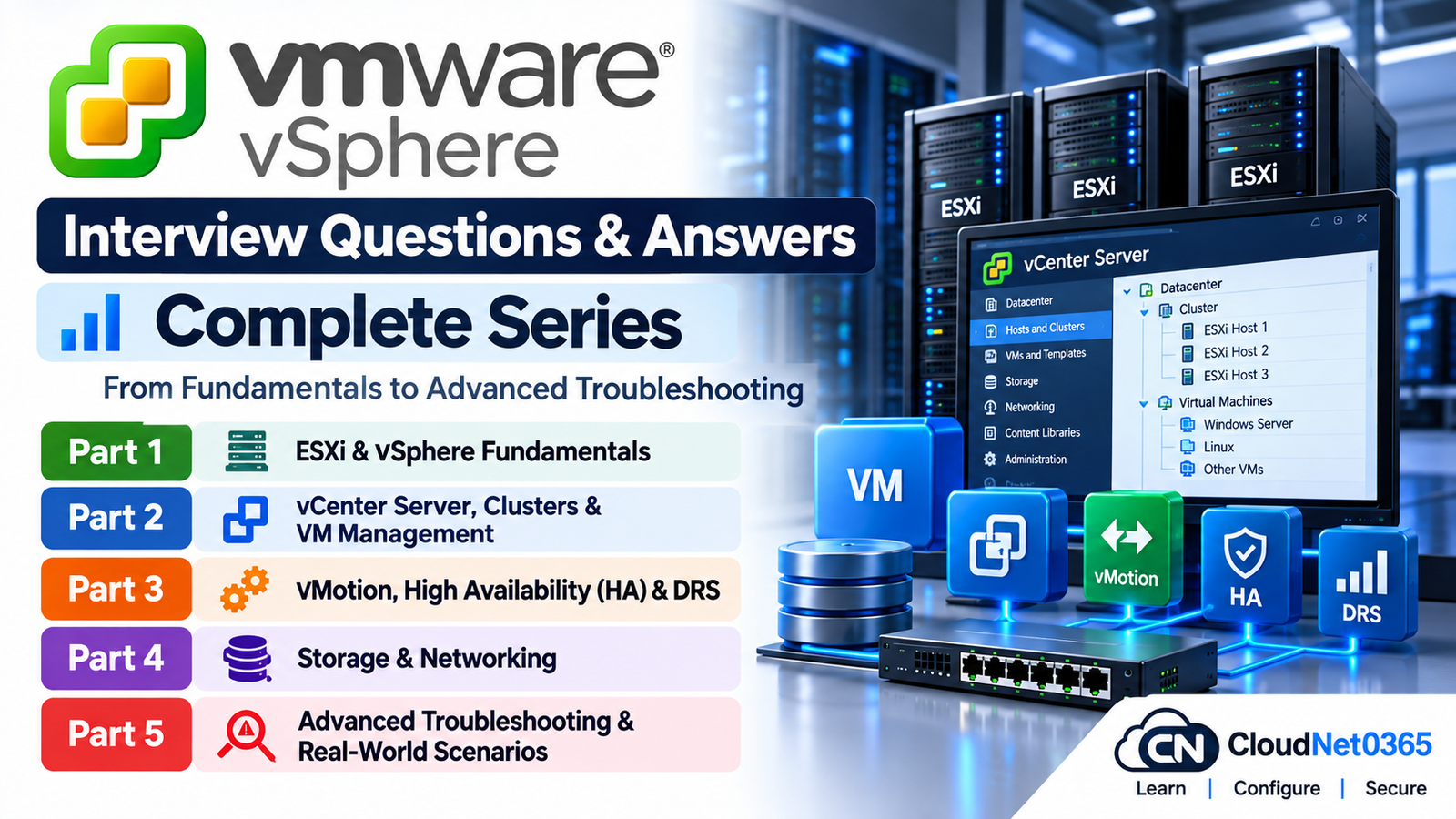
Preparing for a VMware vSphere interview can be challenging because interviewers often move beyond basic definitions and ask how you would actually manage, troubleshoot, and recover a production environment.
This VMware vSphere interview questions and answers series is designed as a structured preparation guide covering the areas that VMware administrators and infrastructure engineers commonly work with, from ESXi and vCenter Server to clusters, vMotion, High Availability, DRS, storage, networking, and real-world troubleshooting.
Instead of putting everything into one extremely long article, the series is divided into focused parts. Each part concentrates on a specific area of VMware vSphere so you can study the topics in a logical order.
VMware vSphere Interview Questions Series
Part 1: ESXi & vSphere Fundamentals
Start with the core concepts of VMware vSphere, ESXi architecture, hosts, virtual machines, vSphere components, resource management, datacenters, clusters, and other fundamental concepts.
Topics covered include:
- ESXi architecture and components
- VMware vSphere fundamentals
- ESXi hosts
- Virtual machines
- vSphere Client
- Datacenters and clusters
- Virtual CPUs and memory
- Virtual hardware
- Resource pools
- Templates and cloning
- VMware Tools
- Snapshots
- Licensing and basic administration
- Common ESXi and vSphere concepts
Read Part 1:
VMware vSphere Interview Questions & Answers – Part 1: ESXi & vSphere Fundamentals
Part 2: vCenter Server, Clusters & VM Management
Once the fundamentals are clear, the next step is understanding how vCenter Server manages VMware infrastructure and how virtual machines and clusters are administered in a centralized environment.
Topics covered include:
- vCenter Server
- vCenter Server components
- ESXi host management
- Datacenters
- Clusters
- Cluster configuration
- Virtual machine management
- Templates
- Cloning
- Resource pools
- Permissions and roles
- VM hardware and configuration
- VMware Tools
- VM migration concepts
- Common vCenter administration and troubleshooting scenarios
Read Part 2:
VMware vSphere Interview Questions & Answers – Part 2: vCenter Server, Clusters & VM Management
Part 3: vMotion, High Availability (HA) & DRS
High availability and workload mobility are important parts of enterprise VMware environments. This part focuses on how vMotion, vSphere HA, and DRS work and how administrators troubleshoot problems involving clusters and workload placement.
Topics covered include:
- vMotion
- Storage vMotion
- vSphere High Availability
- HA admission control
- HA host failures
- VM restart behavior
- DRS
- DRS rules
- VM placement
- Load balancing
- Cluster resource management
- vMotion requirements
- Common vMotion failures
- HA and DRS troubleshooting
- Real-world availability scenarios
Read Part 3:
VMware vSphere Interview Questions & Answers – Part 3: vMotion, High Availability (HA) & DRS
Part 4: Storage & Networking
VMware performance and availability depend heavily on properly designed storage and networking. This part covers the storage and networking technologies that administrators need to understand when managing production vSphere environments.
Topics covered include:
- VMFS datastores
- NFS datastores
- vSAN concepts
- iSCSI
- Fibre Channel
- Storage multipathing
- Storage connectivity
- Datastore management
- Virtual switches
- Standard vSwitches
- Distributed switches
- Port groups
- VLAN configuration
- VMkernel networking
- Network adapters
- Storage and network troubleshooting
- Common connectivity and performance issues
Read Part 4:
VMware vSphere Interview Questions & Answers – Part 4: Storage & Networking
Part 5: Advanced Troubleshooting & Real-World Scenarios
The final part brings the previous topics together with practical troubleshooting and production-oriented scenarios.
This is particularly useful for experienced VMware administrators because senior-level interviews often focus less on definitions and more on how you approach an incident.
Topics covered include:
- ESXi troubleshooting
- vCenter Server issues
- Virtual machine problems
- vMotion failures
- HA problems
- DRS issues
- Storage connectivity problems
- Datastore issues
- Network connectivity problems
- VM performance problems
- Host connectivity issues
- VMware logs and diagnostic tools
- Troubleshooting methodology
- Production incident scenarios
- Root-cause analysis
- Senior-level VMware interview scenarios
Read Part 5:
VMware vSphere Interview Questions & Answers – Part 5: Advanced Troubleshooting & Real-World Scenarios
How to Use This VMware Interview Series
If you are preparing for a VMware vSphere interview, I recommend going through the series in order rather than jumping directly to the advanced troubleshooting section.
Step 1 – Build the foundation
Start with Part 1 and make sure you understand ESXi and the basic vSphere architecture.
Step 2 – Learn centralized management
Continue with Part 2 to understand how vCenter Server, clusters, and virtual machines are managed in an enterprise environment.
Step 3 – Understand availability and workload mobility
Study Part 3 to build a solid understanding of vMotion, HA, and DRS.
Step 4 – Strengthen storage and networking
Move to Part 4, particularly if the position involves production VMware infrastructure. Storage and networking knowledge is essential when troubleshooting virtualization environments.
Step 5 – Test yourself with real-world problems
Finish with Part 5. Try to answer each question yourself before reading the answer. For senior-level interviews, being able to explain your troubleshooting process is often as important as knowing individual commands or configuration options.
What You Should Be Able to Explain After Completing the Series
After completing all five parts, you should be comfortable discussing topics such as:
- How ESXi works
- How vCenter Server manages VMware infrastructure
- How clusters are designed and managed
- How virtual machines are configured and administered
- How vMotion works
- How vSphere HA responds to host failures
- How DRS makes workload placement decisions
- How VMware connects to storage
- How VMkernel networking works
- How virtual switches and port groups work
- How VLANs are configured for virtual networking
- How to troubleshoot storage connectivity
- How to troubleshoot network connectivity
- How to investigate vMotion failures
- How to troubleshoot HA and DRS problems
- How to approach VMware performance problems
- How to investigate a production VMware incident
The goal is not simply to memorize interview answers. You should be able to explain why a problem occurs, identify what information you would collect, determine the likely cause, and describe the steps you would take to resolve it.
VMware vSphere Interview Preparation Tips
Understand the architecture, not just the terminology
Knowing what ESXi, vCenter Server, HA, DRS, vMotion, VMFS, and NFS stand for is only the beginning.
During an interview, you may be asked what happens when a host fails, why a vMotion fails, why a datastore becomes inaccessible, or how you would investigate a VM experiencing poor performance.
Understanding the relationship between the components will help you answer these questions more effectively.
Learn to troubleshoot systematically
When troubleshooting VMware, avoid immediately changing configuration settings without first identifying the scope of the problem.
A useful approach is to determine:
- What exactly is failing?
- Is the issue affecting one VM, one host, or the entire cluster?
- Did anything change before the problem started?
- Is the problem related to compute, memory, storage, networking, or management?
- What do the relevant logs and events show?
- Can the problem be reproduced?
- What is the safest corrective action?
- How will you verify that the problem has actually been resolved?
Practice explaining your reasoning
For senior VMware positions, interviewers may give you a scenario rather than ask for a definition.
For example:
“A VM cannot be migrated using vMotion. What would you check?”
A strong answer should not simply list random checks. Explain how you would narrow the problem down and why each check matters.
Frequently Asked Questions
1. Is this VMware vSphere interview series suitable for beginners?
Yes. Part 1 starts with the fundamentals and progressively moves toward administration, availability, storage, networking, and troubleshooting.
2. Is this series useful for experienced VMware administrators?
Yes. The later parts focus increasingly on troubleshooting and real-world scenarios rather than only basic definitions.
3. Should I read the parts in order?
For someone preparing from the beginning, yes. The parts are arranged so that the earlier concepts provide a foundation for the later topics.
4. Does the series cover VMware troubleshooting?
Yes. Troubleshooting is covered throughout the series, with Part 5 specifically focused on advanced troubleshooting and real-world scenarios.
5. Can I use these questions for VMware interviews?
Yes. The questions are designed as an interview-preparation resource, but you should also practice explaining the underlying concepts and troubleshooting methodology rather than memorizing answers word-for-word.
Part 1: ESXi & vSphere Fundamentals
Part 2: vCenter Server, Clusters & VM Management
Part 3: vMotion, High Availability (HA) & DRS
Part 4: Storage & Networking
Part 5: Advanced Troubleshooting & Real-World Scenarios
Start the series with Part 1:
VMware vSphere Interview Questions & Answers – Part 1: ESXi & vSphere Fundamentals
About This Series
This VMware vSphere interview series is part of the CloudNet0365 technical interview-preparation resources. The aim is to provide practical, technically focused material for IT professionals preparing for system administrator, virtualization administrator, system engineer, infrastructure engineer, and related roles.
The series can also be used as a revision guide for administrators who want to refresh their VMware vSphere knowledge before an interview or while preparing for a new infrastructure role.
Continue through the parts in order, practice answering the questions without looking at the answers, and use the troubleshooting scenarios to test whether you can apply the concepts to a production environment.