
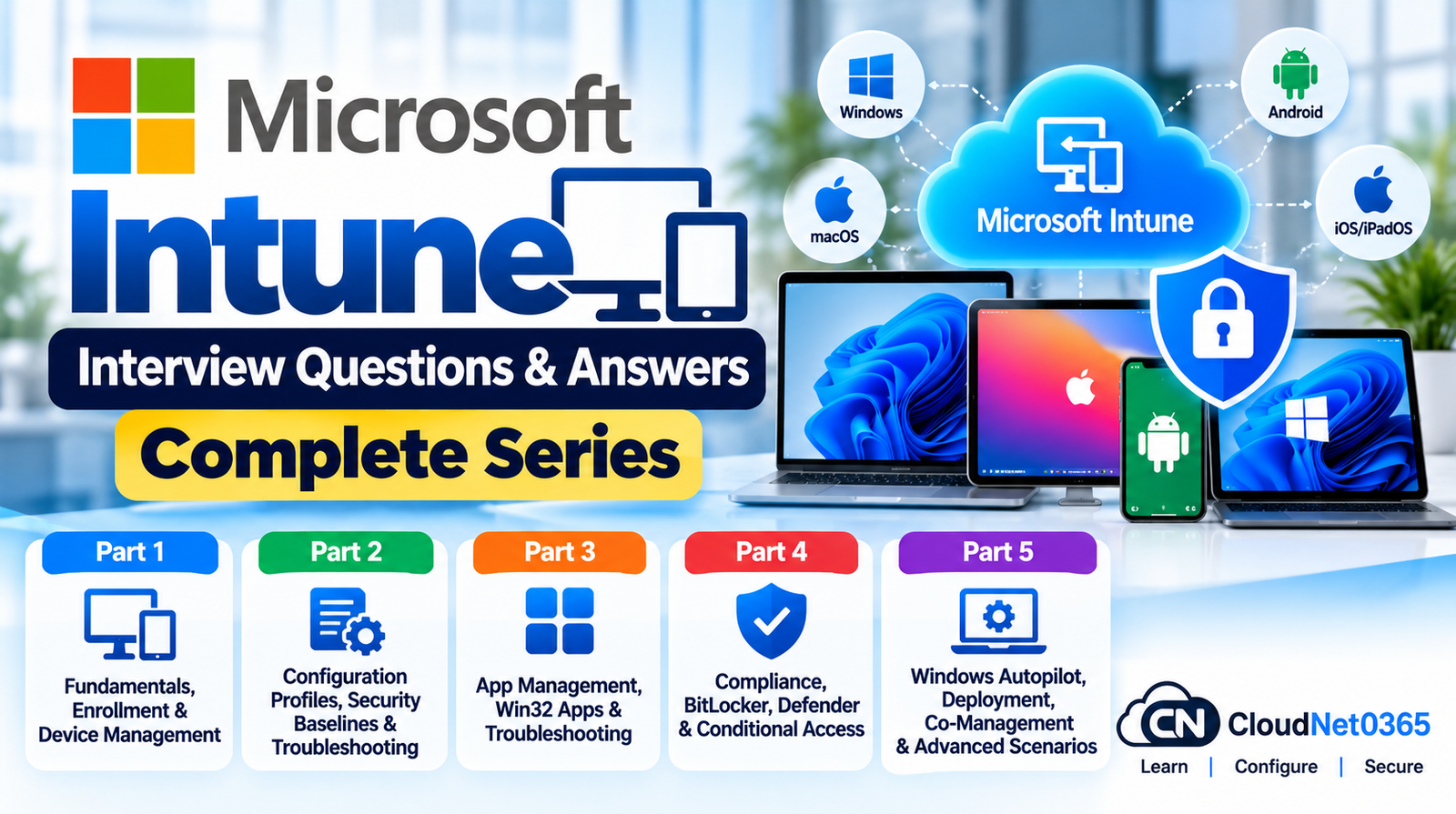
Microsoft Intune is Microsoft’s cloud-based endpoint management platform for managing and protecting organizational devices, applications, and data. It supports endpoint management across Windows, macOS, iOS/iPadOS, Android and Linux, while integrating with services such as Microsoft Entra ID, Microsoft Defender for Endpoint, Windows Autopilot and Configuration Manager. (Microsoft Learn)
This Microsoft Intune Interview Questions & Answers series is designed for System Administrators, Endpoint Administrators, Microsoft 365 Administrators and IT professionals preparing for MD-102 and senior endpoint-management interviews.
The series focuses on practical administration, troubleshooting, security and real-world enterprise scenarios rather than simply listing definitions.
Microsoft Intune Interview Questions & Answers – Complete Series
← Previous Part: [Part 5: Windows Autopilot, Deployment, Co-Management & Advanced Scenarios] | Complete Series: [Microsoft Intune Interview Questions & Answers – Complete Series]
Microsoft Intune Interview Questions & Answers – Complete Series
Part 1: Intune Fundamentals, Architecture & Device Enrollment
Learn the foundation of Microsoft Intune and understand how devices become managed.
Topics covered:
- What is Microsoft Intune?
- Intune architecture and core components
- Intune admin center
- Microsoft Intune service
- Microsoft Graph integration
- Company Portal
- MDM vs MAM
- Supported platforms
- Intune device lifecycle
- Microsoft Entra ID integration
- Device enrollment concepts
- Automatic enrollment
- Windows enrollment
- Android enrollment
- iOS/iPadOS enrollment
- macOS enrollment
- Enrollment restrictions
- Corporate vs personal devices
- Device ownership
- Enrollment troubleshooting
- Device certificates and management communication
- Common enrollment failures
- Real-world enrollment scenarios
Intune uses different enrollment methods depending on the operating system and organizational scenario. Microsoft currently documents enrollment options for Windows, Android, iOS/iPadOS, macOS and Linux, with platform-specific enrollment methods. (Microsoft Learn)
→ Read Part 1: Intune Fundamentals, Architecture, Enrollment & Device Enrollment
Part 2: Configuration Profiles, Settings Catalog & Device Management
This part focuses on configuring and managing enrolled devices.
Topics covered:
- Configuration profiles
- Settings Catalog
- Administrative Templates
- Device restrictions
- Configuration policy assignments
- User vs device targeting
- Policy conflicts
- Policy processing
- Security configuration
- Windows configuration
- macOS configuration
- Android configuration
- iOS/iPadOS configuration
- Device categories
- Device inventory
- Device actions
- Sync and check-in
- PowerShell scripts
- Intune Management Extension
- Remediations
- Remote device actions
- Configuration troubleshooting
- Policy deployment scenarios
Microsoft describes configuration profiles and the Settings Catalog as key mechanisms for applying settings to managed devices. Intune also provides device actions, scripts, remediations, inventory and reporting from the Devices area. (Microsoft Learn)
→ Read Part 2: Configuration Profiles, Security Baselines & Troubleshooting
Part 3: Application Management, App Protection & Windows Autopilot
This part focuses on enterprise application deployment and modern Windows provisioning.
Topics covered:
- Intune application management
- Microsoft Store applications
- Win32 applications
- Microsoft 365 Apps deployment
- Required vs Available applications
- Application assignments
- Application dependencies
- Supersedence
- Detection rules
- Requirements
- Application deployment troubleshooting
- App configuration policies
- App protection policies
- MAM
- Managed vs unmanaged devices
- Windows Autopilot
- Autopilot device registration
- Deployment profiles
- User-driven deployment
- Self-deploying mode
- Pre-provisioning
- Autopilot troubleshooting
- Enrollment Status Page
- Windows provisioning scenarios
- Real-world application deployment scenarios
Microsoft Intune supports application deployment and protection, while Windows Autopilot provides cloud-based Windows provisioning options including user-driven, self-deploying and pre-provisioning scenarios. (Microsoft Learn)
→ Read Part 3: App Management, Win32 Apps & Troubleshooting
Part 4: Compliance Policies, Conditional Access & Endpoint Security
This part focuses on protecting devices and controlling access to organizational resources.
Topics covered:
- Compliance policies
- Compliance states
- Compliance policy settings
- Noncompliant devices
- Compliance grace periods
- Actions for noncompliance
- Microsoft Entra Conditional Access integration
- Require device to be marked compliant
- Device risk
- Microsoft Defender for Endpoint integration
- Endpoint security policies
- Microsoft Defender Antivirus
- Firewall policies
- BitLocker
- Attack Surface Reduction
- Account protection
- Windows LAPS
- Security baselines
- Device security troubleshooting
- Compliance evaluation issues
- Conditional Access troubleshooting
- Real-world security scenarios
Intune compliance policies can evaluate requirements such as encryption, operating-system versions and device risk. Endpoint security policies provide focused controls for areas including antivirus, firewall, BitLocker, account protection and attack-surface reduction. (Microsoft Learn)
→ Read Part 4: Compliance, BitLocker, Defender & Conditional Access
Part 5: Advanced Intune Administration, Co-Management & Senior Troubleshooting
The final part focuses on enterprise-scale administration and senior-level troubleshooting.
Topics covered:
- Configuration Manager and Intune integration
- Co-management
- Cloud attach
- Workload management
- Moving workloads from Configuration Manager to Intune
- Intune Management Extension troubleshooting
- Advanced policy troubleshooting
- Application deployment failures
- Compliance failures
- Autopilot troubleshooting
- Device synchronization problems
- Duplicate device records
- Stale devices
- Device lifecycle management
- Scope tags
- Intune RBAC
- Role assignments
- Multi-admin environments
- Audit logs
- Intune reporting
- Endpoint Analytics
- Microsoft Graph for Intune
- PowerShell automation
- Large-scale deployment design
- Enterprise migration scenarios
- Security incidents
- Senior-level troubleshooting scenarios
Intune can integrate with Configuration Manager through co-management and cloud attach, while Microsoft Graph provides APIs for managing devices, applications, policies and automation. (Microsoft Learn)
→ Read Part 5: Windows Autopilot, Deployment, Co-Management & Advanced Scenarios
What You Will Learn From This Series
After completing the series, you should be able to explain and troubleshoot the complete Intune management lifecycle:
Identity → Enrollment → Configuration → Applications → Compliance → Security → Access → Monitoring → Troubleshooting → Automation
You will also understand how Intune fits into a modern Microsoft endpoint environment involving:
- Microsoft Entra ID
- Microsoft 365
- Microsoft Defender for Endpoint
- Windows Autopilot
- Configuration Manager
- Co-management
- Microsoft Graph
- Endpoint Analytics
- Windows security technologies
Who Should Read This Series?
This series is useful for:
- System Administrators
- Windows Administrators
- Microsoft 365 Administrators
- Endpoint Administrators
- Intune Administrators
- Desktop Engineers
- EUC Engineers
- IT Support Engineers
- Infrastructure Engineers
- Cloud Administrators
- Microsoft Endpoint professionals
- Candidates preparing for MD-102
- Professionals preparing for senior System Administrator interviews
Microsoft Intune Interview Preparation Strategy
Don’t memorize the answers word-for-word.
For senior interviews, focus on understanding why a particular Intune feature is used and how you would troubleshoot it when it fails.
For example, if an interviewer asks:
“A Windows device is enrolled in Intune, but a configuration policy is not applying. What would you check?”
A strong answer should move through a logical troubleshooting process:
Device enrollment → assignment → user/device targeting → policy applicability → conflicts → device check-in → policy status → device logs → Intune Management Extension if applicable → remediation
This demonstrates practical administration knowledge rather than only theoretical knowledge.
Part 1: Intune Fundamentals, Architecture & Device Enrollment
Part 2: Configuration Profiles, Security Baselines & Troubleshooting
Part 3: App Management, Win32 Apps & Troubleshooting
Part 4: Compliance, BitLocker, Defender & Conditional Access
Part 5: Windows Autopilot, Deployment, Co-Management & Advanced Scenarios
Official Microsoft Intune Documentation
For the latest Microsoft Intune documentation, supported capabilities and current configuration guidance, refer to Microsoft Learn.
Microsoft Intune Documentation:
https://learn.microsoft.com/en-us/intune/
Microsoft’s documentation is the authoritative source for current Intune capabilities because enrollment methods, supported platforms, policies and management features can change over time. (Microsoft Learn)
Final Interview Tip
When answering Intune interview questions, try to structure your response around:
Concept → Purpose → Configuration → Assignment → Result → Troubleshooting → Real-world scenario
This approach is especially useful for senior System Administrator and Endpoint Administrator interviews because it demonstrates that you understand not only what Intune does, but also how to deploy, secure, monitor and troubleshoot it in a production environment.