
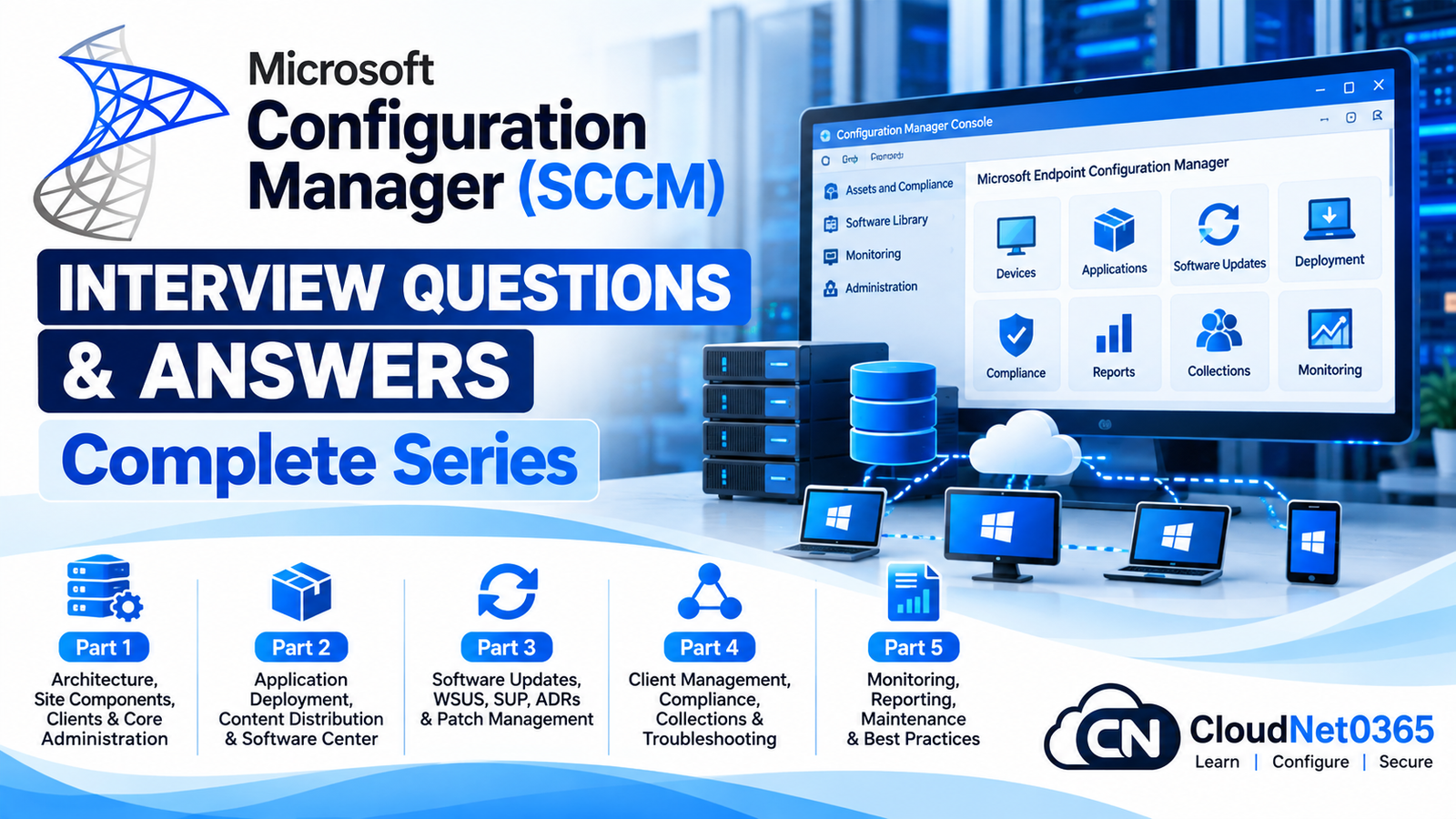
Microsoft Configuration Manager, widely known as SCCM, is an enterprise endpoint-management platform used to manage Windows devices, applications, operating-system deployments, software updates, compliance, inventory and hybrid management scenarios.
This complete interview series is designed for System Administrators, Desktop Engineers, Endpoint Administrators, SCCM/MECM Administrators and IT Infrastructure professionals preparing for technical interviews.
The series progresses from Configuration Manager architecture and administration to application deployment, software updates, operating-system deployment, inventory, compliance, co-management and real-world troubleshooting.
Microsoft Configuration Manager (SCCM) Interview Questions – Complete Series
Part 1: Architecture, Site Components, Clients & Core Administration
Learn the fundamentals of Configuration Manager architecture, sites, site-system roles, clients, boundaries, boundary groups, management points, distribution points and core administration.
Topics covered:
- Configuration Manager architecture
- Central Administration Site (CAS)
- Primary and Secondary Sites
- Site System Roles
- Management Point
- Distribution Point
- Software Update Point
- Reporting Services Point
- SMS Provider
- Configuration Manager clients
- Client installation and troubleshooting
- Boundaries and Boundary Groups
- Discovery methods
- Client policies
- Client health
- Configuration Manager logs
- Core administration and troubleshooting
Part 2: Application Deployment, Content Distribution & Software Center
This part focuses on application management and deployment, including applications, deployment types, requirements, dependencies, detection methods, content distribution and Software Center.
Topics covered:
- Applications and deployment types
- Application requirements
- Detection methods
- Dependencies
- Supersedence
- Deployment purposes
- Available vs Required deployments
- Content distribution
- Distribution Points
- Content validation
- Boundary Groups and content locations
- Software Center
- Application deployment troubleshooting
- Application evaluation and enforcement
- Common application deployment logs
- Real-world deployment scenarios
Part 3: Software Updates, WSUS, SUP, ADRs & Patch Management
This part covers enterprise patch management using Configuration Manager, including WSUS integration, Software Update Point, Automatic Deployment Rules and update troubleshooting.
Topics covered:
- Software Update Point (SUP)
- WSUS integration
- Software Update Groups
- Deployment Packages
- Automatic Deployment Rules (ADRs)
- Update synchronization
- Update classifications
- Product selection
- Superseded and expired updates
- Client update scanning
- Deployment evaluation
- Software update compliance
- Patch deployment troubleshooting
- Common software-update logs
- Real-world patch-management scenarios
Part 4: OSD, Task Sequences, PXE, WinPE & OSD Troubleshooting
This part focuses on operating-system deployment and the technologies used to deploy Windows devices through Configuration Manager.
Topics covered:
- Operating System Deployment (OSD)
- Task Sequences
- Boot Images
- WinPE
- Operating System Images
- PXE boot
- PXE-enabled Distribution Points
- DHCP and PXE considerations
- Task Sequence deployment
- Drivers and driver packages
- Operating-system deployment troubleshooting
smsts.log- Common Task Sequence failures
- PXE troubleshooting
- Real-world OSD scenarios
Part 5: Inventory, Compliance, Co-Management, Cloud Attach & Troubleshooting
The final part covers enterprise management capabilities, including inventory, compliance settings, co-management, cloud attach and advanced troubleshooting scenarios.
Topics covered:
- Hardware Inventory
- Software Inventory
- Asset Intelligence concepts
- Configuration Items
- Configuration Baselines
- Compliance Settings
- Compliance evaluation
- Co-management
- Microsoft Intune integration
- Cloud Attach
- Tenant Attach
- Client health and troubleshooting
- Policy and compliance troubleshooting
- Real-world enterprise scenarios
- Senior-level Configuration Manager troubleshooting
What You Will Learn From This Series
After completing all five parts, you should have a strong understanding of the major areas expected from a Configuration Manager administrator, including:
- Configuration Manager architecture
- Site hierarchy and site components
- Client management
- Boundaries and Boundary Groups
- Application deployment
- Content distribution
- Software Center
- Software updates and WSUS
- Software Update Point
- Automatic Deployment Rules
- Patch management
- Operating System Deployment
- Task Sequences
- PXE and WinPE
- Hardware and Software Inventory
- Compliance Settings
- Configuration Baselines
- Co-management
- Cloud Attach
- Advanced troubleshooting
- Real-world enterprise scenarios
Who Should Read This Series?
This series is useful for:
- System Administrators
- SCCM/MECM Administrators
- Configuration Manager Administrators
- Endpoint Administrators
- Desktop Support Engineers
- EUC Engineers
- Windows Administrators
- Infrastructure Engineers
- IT Support Engineers
- Candidates preparing for SCCM interviews
- Professionals moving from on-premises Configuration Manager toward Microsoft Intune and hybrid endpoint management
Recommended Reading Order
For the best preparation, follow the series in this order:
Part 1 → Part 2 → Part 3 → Part 4 → Part 5
Start with architecture and client management, then progress through applications, software updates, operating-system deployment, and finally inventory, compliance and hybrid management.
Microsoft Configuration Manager Interview Preparation
Configuration Manager interviews often go beyond simply asking what a feature does. Senior-level interviews may ask you to troubleshoot deployment failures, identify the correct log, explain content-location problems, diagnose client-policy issues, troubleshoot software-update failures, investigate PXE problems and design Configuration Manager solutions for enterprise environments.
Therefore, while studying this series, focus not only on the definitions but also on why a component is used, how the components interact, which logs are relevant and how you would troubleshoot the problem in a production environment.
Microsoft Configuration Manager Interview Questions – Complete Series
Part 1: Architecture, Site Components, Clients & Core Administration
Part 2: Application Deployment, Content Distribution & Software Center
Part 3: Software Updates, WSUS, SUP, ADRs & Patch Management
Part 4: OSD, Task Sequences, PXE, WinPE & OSD Troubleshooting
Part 5: Inventory, Compliance, Co-Management, Cloud Attach & Troubleshooting
Start with Part 1 →
Microsoft Configuration Manager (SCCM) Interview Questions – Part 1: Architecture, Site Components, Clients & Core Administration